UX Research
p5.js Usability Research
A moderated usability study conducted in direct partnership with the p5.js team, evaluating the reference page, function pages, and code editor to improve accessibility and learnability for creative coders worldwide.
Role
UX Researcher
Team
Team Project
Duration
Spring 2026
Methods
Cognitive Walkthrough · Usability Testing · Survey
01 — About p5.js
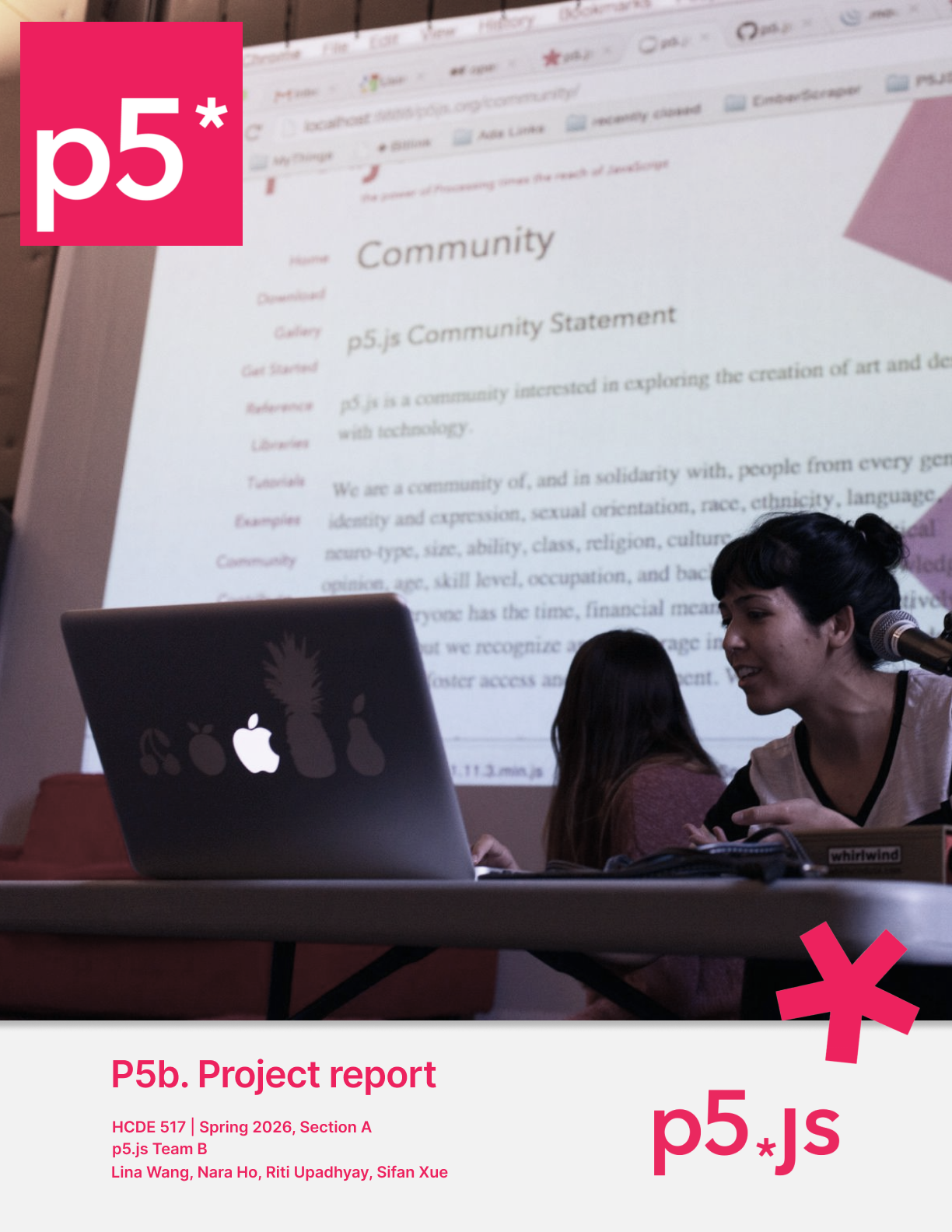
p5.js is a JavaScript library and online platform that makes creative coding accessible to artists, educators, students, and beginners with little to no programming background. It serves as both a learning resource and a source for inspiration.
Our team worked directly with the p5.js stakeholders to evaluate how effectively the reference page, individual function pages, and the code editor support users when they learn, teach, and create.
Core Trade-off Discovered
Participants highly valued the modernized interactivity and editable code examples, but found it less efficient for lesson planning and quick technical lookups compared to the archived version.

02 — Research Questions
RQ1
Expectations & Content Clarity
Does the current reference page meet users' expectations when they seek help during coding or teaching? How do users interpret the language, structure, and examples?
RQ2
Navigation & Wayfinding
How do users navigate between the reference and other resources? What navigation elements do they rely on, and where do breakdowns occur?
RQ3
Current vs. Archived Version
How do users perceive the current p5.js reference compared to the archived version in terms of scannability, cognitive load, and overview?
03 — Methods
01
Cognitive Walkthrough
Conducted before usability testing. Evaluated the interface against assumed user goals across 5 tasks, surfacing early hypotheses about breakdowns in navigation, hierarchy, and discoverability.
02
Moderated Usability Testing
6 participants · 5 tasks · 45–60 min via Zoom. Think-aloud protocol with a moderator, notetakers, and recording manager. Sessions covered Reference, Function pages, and the Code Editor.
03
Post-task Questionnaire
Covered overall experience, navigation, content clarity, and cognitive load. Mixed Likert scales and open-ended questions to triangulate observed behavior with self-reported experience.
04 — Participants
p5.js Instructor
Intermediate · 3+ years
Maker Space Teacher
Intermediate · 2+ years
Graduate Student
Beginner · 3–6 months
Fullstack Developer / TA
Beginner · 3–6 months
Math & Coding Teacher
Advanced · 3+ years
Designer
Beginner · 3–6 months
05 — Key Insights
Task Success Rates
T1 — Finding a Function (circle)
100%
T2 — Editor Navigation (rect)
100%
T3 — Category Overview (shape)
83%
T4 — Complex Examples (loadModel)
83%
T5 — Archive Comparison
100%
5 / 6
preferred the archived version for scanning
Citing better information layout, larger fonts, and clearer link affordances.
6 / 6
preferred the current version for learning
Editable examples and Play/Stop buttons were standout improvements.
06 — Findings
Reference Page
"Filter by Keyword" confuses users
3/6 participants were confused. Users defaulted to Ctrl+F or Google. The filter only matches function names — not descriptions or categories.
"Filter by keyword — is this just CTRL-F? But that's what a search bar is anyway." — P3
Function grouping doesn't match mental models
5/6 completed Task 3 but had the lowest experience ratings (3.2/5). Current grouping mixes 2D/3D shapes in ways users don't expect.
"I'm so overwhelmed. You had shape, and then colors on the same page, and then typography." — P2
Jump-to navigation goes unnoticed
Only 3/6 discovered it. It uses identical typeface and size to the global nav, making it invisible to most users.
"It's interesting I didn't notice it — it doesn't seem like it belongs to this page." — P6
Hard to get a quick overview
Current reference takes 17 scrolls to reach the bottom; archived version took 6. 5/6 wanted hover previews or thumbnails.
"Coming to a drawing tool, but all I see is text. I want a tooltip showing a circle, arc, quad." — P3
Code Editor
Users don't know autocomplete exists
At least 2 participants were unaware autocomplete existed. Default instinct was to open a new browser tab to the reference page.
"I actually don't normally go this way, I usually open up a new tab." — P1
Autocomplete is hidden and hard to turn on
5/6 could not enable autocomplete without guidance. It's off by default and buried in General Settings. Right-clicking (habit from other tools) doesn't work.
"Oh my gosh, it's right there. Now I know. I will be using that." — P2 (after hint)
Autocomplete turns off without users knowing
The setting resets every time the user refreshes the page or closes the tab — which happens naturally when checking the reference.
"I assume that it was always on, don't know why it's turned off." — P1
07 — Recommendations
Relocate Syntax & Parameters
Move syntax and parameter tables to the top of function pages, immediately following the description.
Enable Autocomplete by Default
Set the Autocomplete Hinter in the web editor to ON by default to reduce discovery barriers.
Fix Filter Scope
Redesign the keyword filter to search category names and descriptions, not just function titles.
Ensure Autocomplete Persistence
Autocomplete setting should remain active after page refresh or tab closure.
Add Example Headers
Provide short descriptive headers for each code example explaining what makes it different.
Improve Jump-to Prominence
Visually distinguish intra-page navigation from global nav using color or borders.
Compact View Toggle
Provide a toggle between detailed and compact views to restore the scannability of the archived version.
Visual Tooltips / Hover Previews
Implement hover-over previews in the category view to show what a function draws.
08 — Reflection
What worked well
Deliberate sequencing of methods — cognitive walkthrough before usability testing let us surface early hypotheses and sharpen observation priorities. The mixed-methods analysis paired task success rates with think-aloud data for stronger evidence-based findings.
What didn't work
Copy-paste was disabled in Zoom sessions, disrupting the natural rhythm. Entry points into tasks didn't always reflect naturalistic behavior (users typically land on p5.js via Google, not internal navigation).
What we'd do differently
A more thorough pilot study to catch technical issues. We'd also recruit more beginner users — they rely most heavily on documentation and represent p5.js's core value of community accessibility.
Available for opportunities
Let's work together)

Open to collaborations, internships, and new opportunities.
View Resume